

 PRODUCT PHOTO · SEE CREDITS
Desk distractions • Kensington
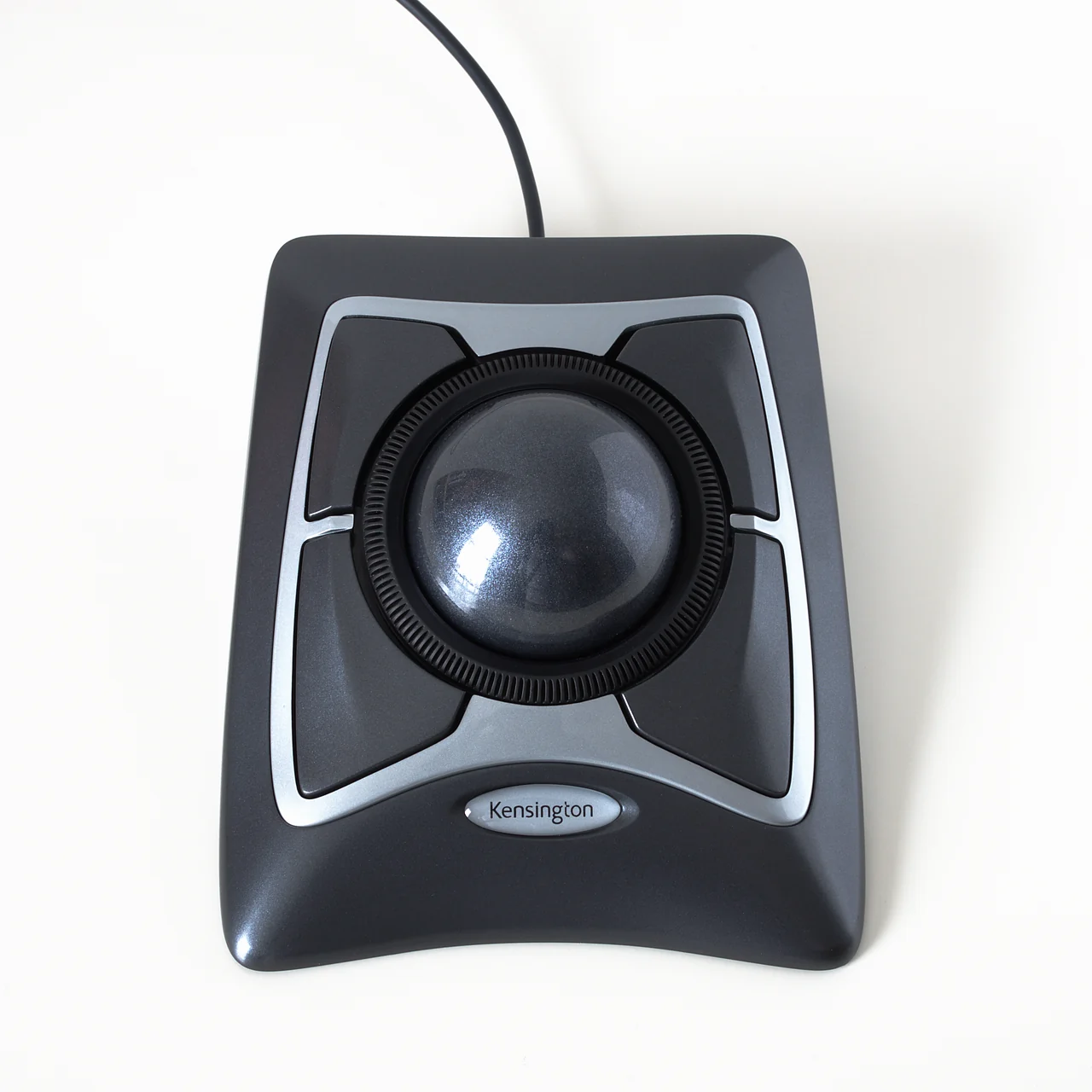
Kensington Expert Wired Trackball
Roll the middle to move the pointer. Turn the rim to scroll.
The Expert stays planted while your fingers roll the large ball. A separate ring turns around it to move down a page, leaving the four broad buttons to the corners. The layout works from either side of the desk.
- Independently selected
- By Kensington
- Check compatibility and shipping with the retailer
Photo by Bobulous · Source · CC BY-SA 4.0. Photo: Bobulous / Wikimedia Commons (CC BY-SA 4.0). Proportionally resized and converted to WebP. Full composition retained.
WHY IT CAUGHT OUR EYE
The gesture for scrolling is a circle instead of a swipe. Once you notice the ridged ring, the shape of the entire device makes sense.
BEFORE YOU BUY
This is the wired USB model. The detachable wrist rest listed with the product is off the device in the photograph.
Wired black-and-silver 64325 Expert Mouse, with four buttons and a scroll ring. The wireless red-ball version is a separate product.
FOUR DIFFERENT DIRECTIONS
See all finds You might also like
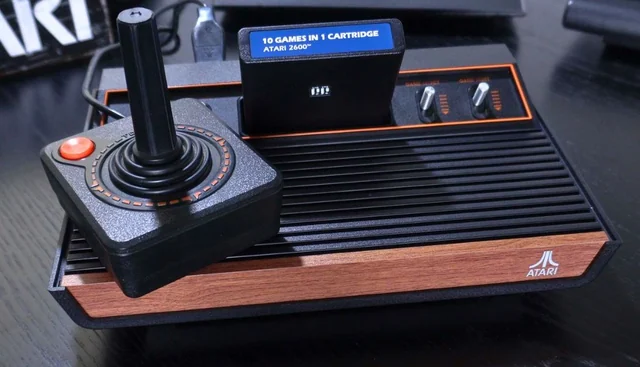
Atari 2600+ Cartridge Console
The cartridge goes in the top. The picture comes out over HDMI.
Meet this find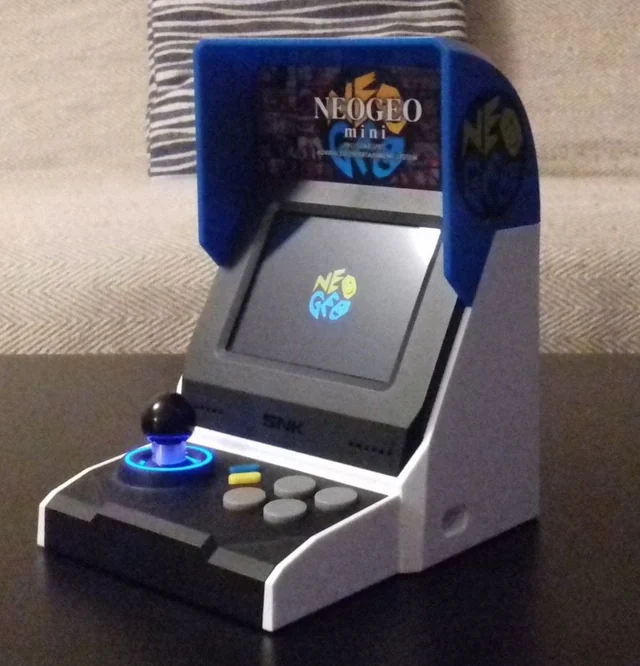
SNK NEOGEO mini International Arcade
An arcade cabinet small enough to leave room for your elbows.
Meet this find